

Is Your Google Business Profile Ready for Newark's Holiday Rush?
When shoppers in Newark, East Orange, Irvington, Harrison, Kearny, Bloomfield, Elizabeth, Belleville, and Jersey City pull out their phones this holiday season, they’ll often see your Newark Google Business Profile before they ever see your website or front door. If your hours, holiday schedule, and links are confusing or outdated, many people will simply pick another option.
Why this holiday season matters for your local visibility
The National Retail Federation (NRF) forecasts that U.S. retail sales in November and December 2026 will grow 4.2% over 2025, reaching $1.013 trillion (NRF, October 15, 2026). NRF defines the holiday season as November 1 through December 31 and notes that consumers will prioritize the holidays while still watching their budgets. This is a national forecast, not a Newark-specific number, but it shows how important these two months are for retailers overall.
Closer to home, local schedules can shift quickly. For example, Newark City Hall was closed for Election Day on Tuesday, November 3, 2026, with most non-emergency municipal services suspended, while trash and recycling pickup still took place (Newark Patch, November 2, 2026). That kind of one-day change is exactly why your customers check Google before they get in the car or on the bus.
And it’s not just the big holidays. According to NJ Family, NJEA Teachers' Convention Week means a four-day weekend (or longer) for kids in early November, and families are looking for things to do, from Touch-a-Truck at Liberty Science Center to Diwali celebrations in Jersey City (NJ Family, November 3, 2026). That extra free time often turns into last-minute searches for snacks, activities, haircuts, and shopping around Newark and nearby towns.
1. Confirm your regular and special holiday hours in Google
Google’s own Business Profile Help explains that special hours let you change your hours for a brief period without changing your regular schedule. You can use them when you adjust hours or close for up to six days in a row, and Google says it’s a good idea to confirm hours for official holidays even if they stay the same (Google Business Profile Help, “How to set Special hours”).
- Open your Business Profile from Google Search or Maps and click Edit profile.
- Go to Hours, then next to Special hours select Edit.
- Pick each holiday date (for example, Thanksgiving, Christmas Eve, New Year’s Eve) and set whether you’re open or closed, plus the exact times.
- Save, then double-check how your hours appear on both Google Search and Maps.
Imagine a hypothetical Kearny bakery opening early on Black Friday and closing early on Christmas Eve. Special hours make those changes clear so nobody shows up to a locked door with a cake order in mind.
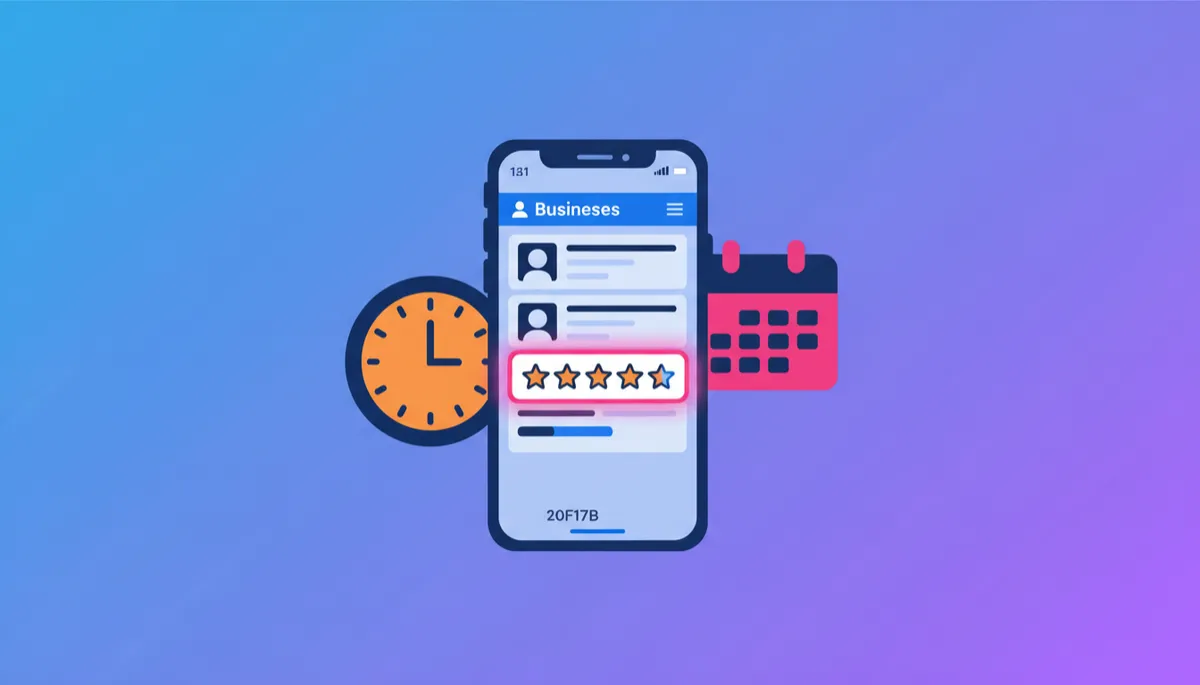
Clear, confirmed hours reduce frustration and help nearby shoppers choose you with confidence.
2. Keep your website, social media, and Google info consistent
Consistency builds trust. If your Google listing says you’re open until 9 p.m., but your website footer still says 7 p.m. and your Instagram bio says 8 p.m., customers are left guessing. That confusion can cost you visits during the busiest weeks of the year.
- Make one master list of your holiday hours and key links (website, online ordering, gift card page, main social profiles).
- Update your website header or a simple holiday banner first.
- Match those details on your Google Business Profile and then on social media bios.
A hypothetical Bloomfield boutique running extended hours for a neighborhood shopping night could add those hours to Google, pin a post on Facebook and Instagram, and feature them on the website home page so every customer sees the same information.
Ready to tidy up your holiday presence?
Talk with Raise Newark about a focused Local SEO & Google Business tune-up.
Book an appointment Purchase a service3. Post a simple holiday update on your Google Business Profile
Google posts are an easy way to highlight what’s special about your business this season. For a hypothetical Irvington barbershop, that might be a post about kids’ cuts during NJEA Teachers' Convention Week. For a café in Harrison, it could be a short note about seasonal drinks and weekend hours.
- Add one clear photo of your space, products, or team.
- Mention any special hours, events, or offers you’re running.
- Include a short call to action like “Call to confirm today’s availability.”
4. Ask happy customers for reviews in a compliant way
Strong, recent reviews help people feel confident choosing you when they see several Newark options on the map. Ask happy customers politely after a good experience and make it easy by sharing your review link.
- Train your team with a simple script: “If you found us helpful today, we’d really appreciate a quick Google review.”
- Add your review link to receipts, email signatures, and follow-up texts where appropriate.
Over the season, these small, steady requests can help a hypothetical Elizabeth gift shop build a more complete and current picture of customer experiences on its profile.
“The best review strategy is simple, consistent, and focused on genuine customer feedback.”
5. Plan a 15-minute weekly check-in
During November and December, schedule a short weekly “online storefront” check. In those 15 minutes, a hypothetical Belleville café owner could:
- Confirm that regular and special hours on Google are still accurate.
- Scan the website and social bios for any conflicting information.
- Respond to new reviews with a short, genuine thank you or helpful reply.
How Raise Newark supports your Google presence and local SEO
Raise Newark’s Local SEO & Google Business service is designed to help Newark-area businesses show up clearly and consistently when people search nearby. The team focuses on practical tasks like structuring your Business Profile, setting and confirming special hours, organizing categories, and keeping your key details aligned across platforms. While no one can guarantee specific rankings or results, this kind of steady, accurate presence supports stronger local SEO Newark efforts and helps customers trust what they see.
Because your Google listing, website, and social feeds all work together, Raise Newark can also coordinate Social Media Marketing and Website Design so that your hours, branding, and messages match everywhere. That way, when someone finds you on Google, clicks through to your site, and then checks your latest post, everything feels connected and up to date—just like a well-kept storefront on a busy Newark block.
Keep your Newark business easy to find this season
Explore Raise Newark’s Local SEO, Google Business, social, and website support today.
Book an appointment Purchase a service